Is Your ChatGPT Content Safe? See Checklist
A Quick Checklist for Artists, Writers & Creatives
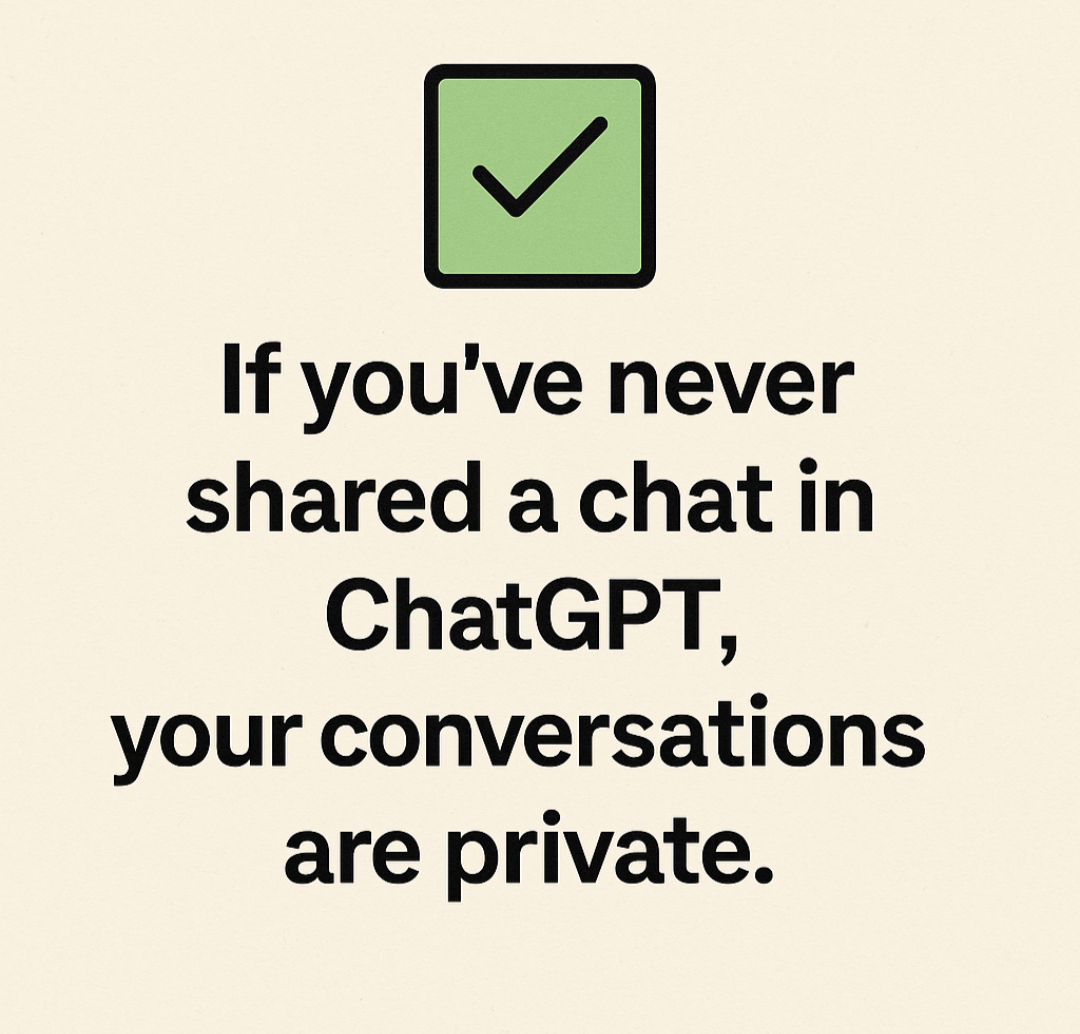
In light of recent news, some users were surprised to find ChatGPT conversations appearing in Google searches. But don’t panic — unless you’ve actively shared a conversation, your chats are private.
✅ 1. Have you ever shared a ChatGPT conversation?
- If no, your content is completely private.
- If yes, continue below to verify what’s visible.
🔗 2. How to Check for Shared Chats
- Open ChatGPT.
- Click your name or profile icon in the bottom-left corner.
- Select “Shared Links”.
- Review the list:
- If empty: ✔️ You’re safe — nothing was ever shared.
- If links appear: ❗Click the three dots (⋯) next to any link and select Delete.
🔍 3. Optional: Search for Yourself on Google
Type into Google: site:chatgpt.com/share your-name
This will show you any indexed links under your name or topics.
🛡️ Tips to Stay Private
- Avoid using the Share feature unless absolutely necessary.
- Never tick the “Make this chat discoverable” option.
- Use screenshots or copy/paste text if you want to share privately.
📰 Final Word:
OpenAI has now disabled the “searchable chats” feature and is working with Google to remove anything that slipped through. If you’ve never shared a chat, you have nothing to worry about.Stay creative — and safe.